
Confused about how the data sync works with MedicarePRO-CRM? Let’s break it down.
Client data flows from the CRM into HealthSherpa Medicare, and once the enrollment is completed, all plan details are automatically synced back into the CRM. See the image below, and I’ve included a short video to walk you through it. 🎥 Watch Here.
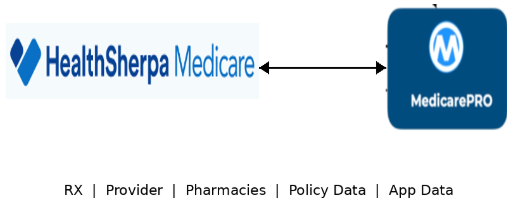
Client data flows from the CRM into HealthSherpa Medicare, and once the enrollment is completed, all plan details are automatically synced back into the CRM.
Just announced as of 5/1/2026 - full sync between SherpaMedicare & MedicarePRO-CRM. I’ve included a short video on how this sync works with the CRM and with SherpaMedicare & ConnectureDRX. Explained in my video:
🎥 Watch Here
ConnectureDRX is expected to offer full sync capabilities by July 2026.
Once your client’s information (name, prescriptions, Medicare ID, etc.) is entered into MedicarePRO-CRM, you can easily transfer that data into SherpaMedicare (as demonstrated in the video).
This same process also works with SherpaMedicare and is expected to be available with ConnectureDRX by July 2026, creating a seamless and efficient workflow across platforms.
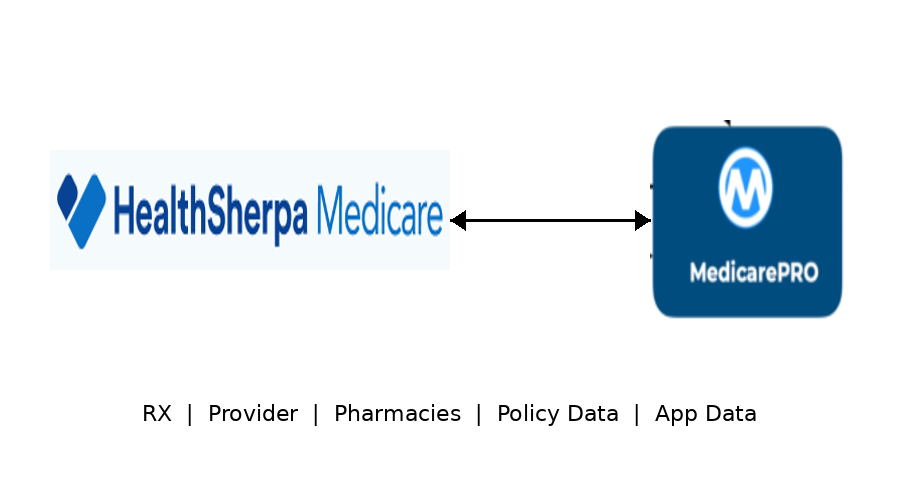
Effective now full sync with SherpaMedicare & Medicare PRO-CRM.
ConnectureDRX is expected to offer full sync capabilities by July 2026.

PCEA=Plan Compare For Agents
Also known as ConnectureDRX
ConnectureDRX is the same platform, also known as PlanCompare Edge for Agents (PCEA).
PCEA also includes RetireFlo as part of its monthly fee. Since MedicarePRO-CRM has a similar feature to capture all of your clients data and SOA forms, explained in my video. I personally do not know if RetireFlo will be needed. In our agency, the less platforms the better. Less is more and one less system we have to check with RetireFlo.
It does not matter where your current Medicare contracts are held—whether direct, through an FMO, or with another agency. If the product is available on the platform, you can sell it through PCEA.
Click Here to view all the supported plans & carriers PCEA works with.
A key feature of PCEA/ConnectureDRX is that you receive your own PURL, allowing clients to enroll directly through your personalized site while you retain full commissions.
In our office, we typically avoid sending a general shopping link, as it can lead to clients enrolling in non-commissionable plans. Instead, we send curated quotes featuring the top three plan options. Clients can then review, add their preferred plan to the cart, and complete enrollment with confidence.
HealthSherpa Medicare or SherpaMedicare 🎥 Watch Here the demo from HealthSherpa.
It does not matter where your current Medicare contracts are held—whether direct, through an FMO, or with another agency. If the product is available on the platform, you can sell it through HealthSherpa Medicare.
HealthSherpa Medicare is currently free to use. Join our team and use the agency code shown to the right. Follow the step-by-step instructions here to get started. Based on your contracts, you can add individual carriers to each agency code. Do you need contracting click below for ACA or Medicare carriers. View all our insurance partners here.
One limitation of SherpaMedicare is that it does not offer a PURL (a personalized website where clients can self-enroll).
With ConnectureDRX, you receive your own PURL, allowing clients to enroll directly through your personalized site.
Click Here to view all the supported plans and carriers.

Join our agency, if you need contracting feel free to contact us. To join our agency on HealthSherpa Medicare add join code: 74B0AE
Click Here for the step-by-step instructions to add our join code.